To build a patio in The Sims 4, open Build Mode, head to the Walls and Empty Rooms tool, and use the Platform tool to create a raised or ground-level surface outside your house. Define the shape, add flooring on top, trim the edges with spandrels or platform trim tiles, then connect it to the house with stairs or a step transition. That covers the core workflow. Everything else is about getting the placement right, fixing grid annoyances, and making it look finished rather than slapped-on.
How to Make a Patio in Sims 4: Step-by-Step Guide
Nolan Lennox
13 May 2026
Patio vs. deck in Sims 4 build mode: what's the difference?
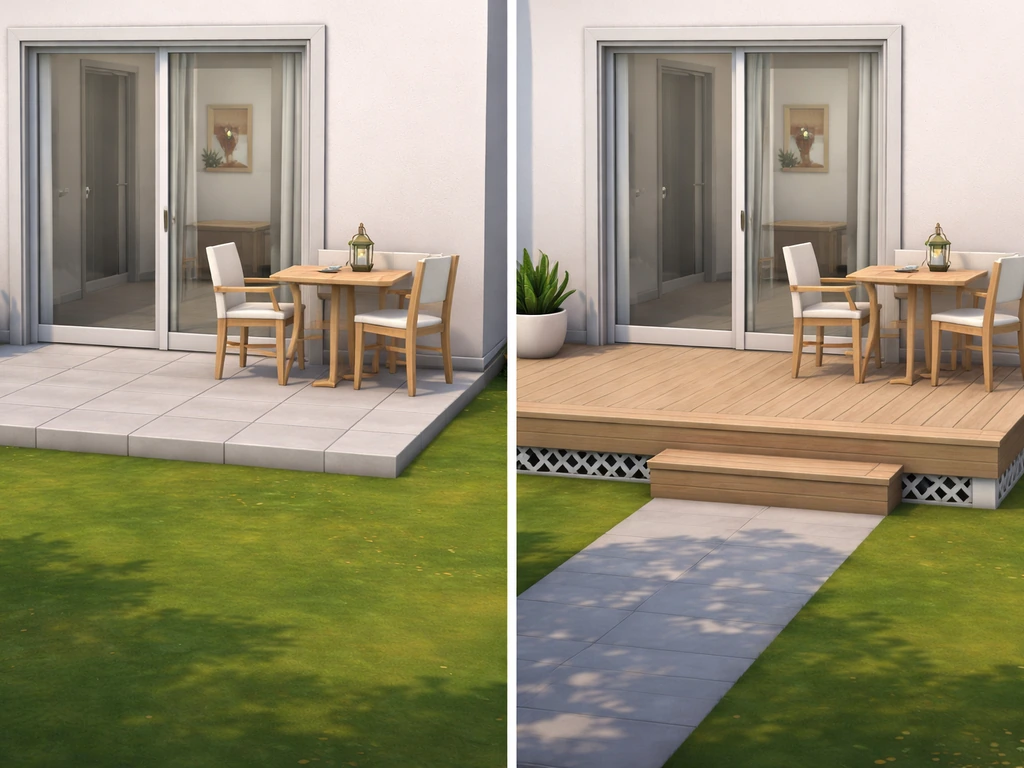
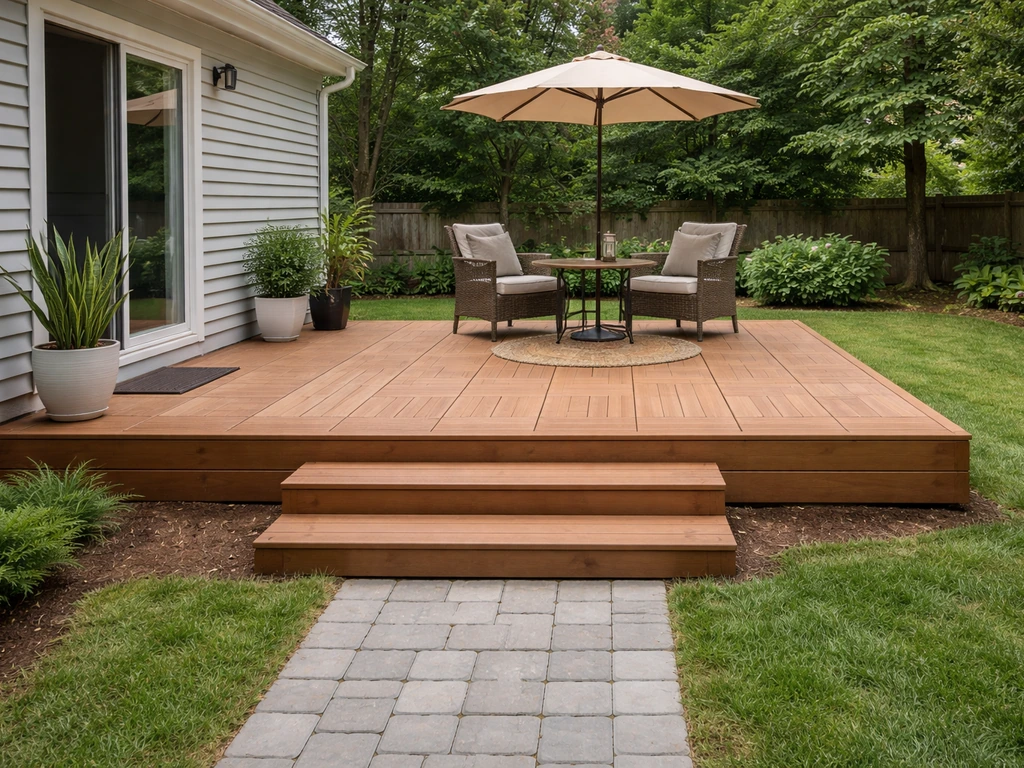
In real life, a patio sits at ground level and a deck is raised on a frame. Sims 4 blurs that line a bit. The game doesn't have a dedicated 'patio' object or tool. What most players call a patio is actually a platform placed flush or very close to ground level, covered in stone, tile, or wood flooring. A deck-style build uses the same Platform tool but at a raised height, with spandrels along the edges and stairs connecting it to the yard below.
Functionally, they're built the same way. The difference is height and edge treatment. A patio sits low and blends into the lot. A deck-style patio is elevated, shows its underside framing via spandrels, and typically needs stairs or a platform step transition so Sims can get on and off. Knowing this saves you a lot of confusion when you're poking around the tool menus looking for something that says 'patio' and not finding it.
Planning your patio layout before you build
Before touching a single tool, think about where the patio connects to the house and how Sims will flow in and out. The most natural placement is directly off a back or side door, aligned flush with the exterior wall. This keeps the transition clean and means you won't have to fight the grid to match up stairs or door thresholds later.
Size matters here too. A common mistake is going too small. A patio that fits a grill, a dining set, and a couple of lounge chairs needs at least a 6x6 tile footprint, and honestly 8x8 or larger feels more natural for a family household. Sketch it out before you commit: count how many tiles the furniture you want actually takes up, add a couple tiles of walking clearance on each side, and use that as your target dimensions.
Also check the terrain before you start. When you hover over the lot in Build Mode, the land area highlights yellow-green to show where you can build. If the back yard slopes, you'll need to decide whether to level the terrain first using the Terrain Tools, or let the platform handle the height change. Leveling first generally gives cleaner results. Keep in mind that the game won't let you place walls or foundations within a certain number of tiles of the lot edge, so don't plan your patio right up against the sidewalk boundary.
Building the patio step by step
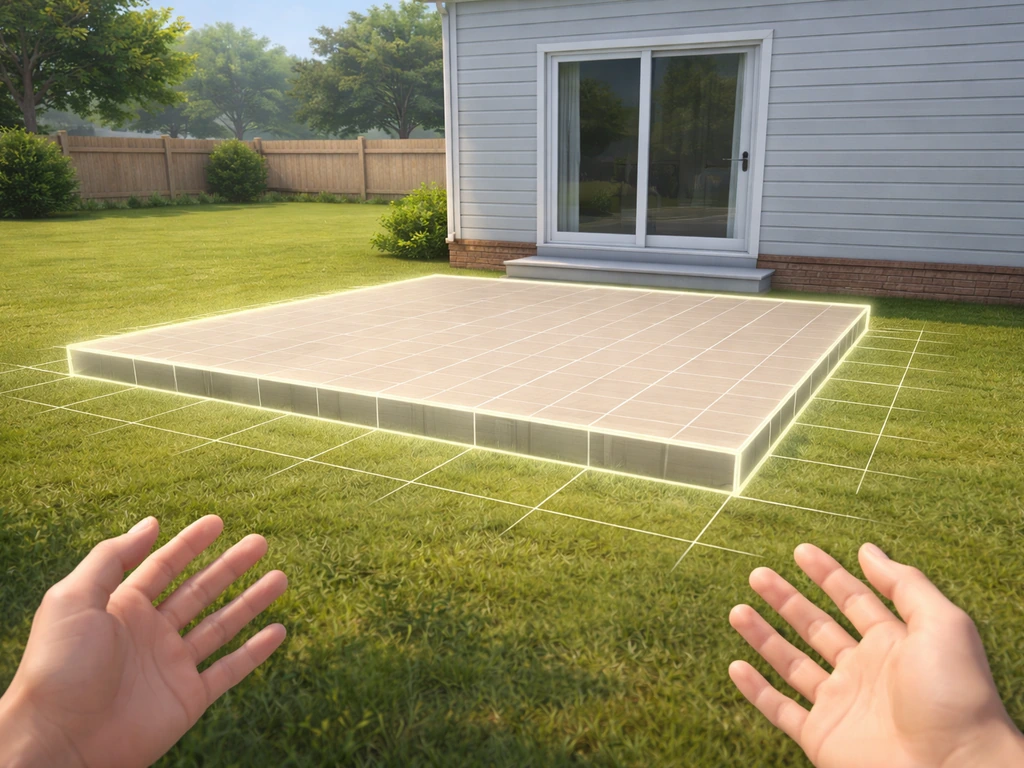
Step 1: Lay the platform
Open Build Mode and go to Walls and Empty Rooms. The Platform tool sits there alongside the room, basement, and pool tools. Click it, then click and drag on the lot to define your patio shape, just like drawing a room. If you want the same idea in Minecraft, check out this guide on how to make a patio in Minecraft. The platform will appear as a raised pad. You'll see arrow widgets around it for reshaping, and up/down arrows to adjust the height.
For a ground-level patio look, set the platform height to the lowest step (one click down from default). For a deck-style elevated patio, raise it one or two height increments. Keep in mind that Sims can step up one platform height unit without stairs, so if you keep it at that single step, you can skip the staircase altogether and Sims will just walk right up. Carls Sims 4 Guide notes that this one-height stepping makes “stairs” and even half-wall setups possible when building platforms for a patio or deck Sims can step up one platform height unit without stairs.
Step 2: Add flooring to the surface
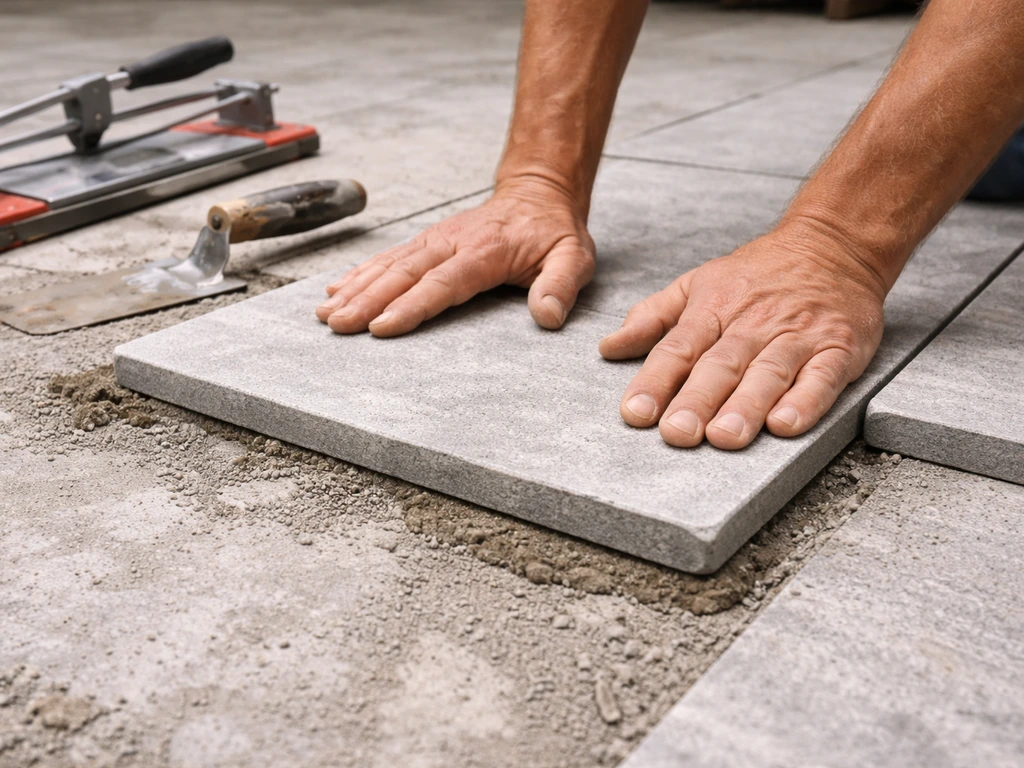
Click the top surface of the platform and apply your floor tile of choice from the flooring catalog. Stone tile, concrete, wood planks, or brick all read convincingly as patio surfaces. The game lets you toggle a quarter-tile floor paint mode using Ctrl+F, which is genuinely useful when you're trying to align a pattern precisely along the patio edges. Use it when a full-tile pattern isn't landing the way you want.
Step 3: Trim the edges
Bare platform edges look unfinished. To add trim, the game needs to recognize the platform edge as the edge of a room unit. Once it does, you can select a spandrel or platform trim tile from the trim UI and click the edge to apply it. If the spandrel isn't highlighting as available, the workaround is to temporarily place a wall at that edge so the game registers it as a room boundary, apply the spandrel, and then remove the wall. It sounds fiddly and it is, but it works consistently.
One rule worth knowing: exterior trims cannot be placed on the first floor in certain contexts. If you're running into that restriction, check whether your platform height and room context qualify as ground floor versus elevated. Raising the platform one more step often resolves it.
Adding entries, stairs, and patio features
If your patio is raised more than one step, Sims need stairs or a ladder to get on and off. For the next step, learn how to make patio stairs in The Sims 4 so Sims can access the elevated platform smoothly how to make patio stairs sims 4. Place stairs from the lower level upward: click the stair tool, then click on the ground at the point where you want the base, and the game snaps the top landing to the platform edge. One thing to watch out for: if you adjust wall or platform height after placing stairs, the top landing stays fixed but the bottom shifts, which can misalign or delete the staircase entirely. Make wall and height edits before placing stairs, not after.
The Sims 4 doesn't have spiral staircases, so if you're working with a tight corner entry, a straight or L-shaped staircase is your only built-in option. For very low platforms (that single step height), just skip stairs entirely since Sims will walk up automatically.
Once entry is sorted, furnish the patio with functional and decorative items. A grill, outdoor dining set, and some lighting cover the basics. If you have the Perfect Patio Stuff pack, it adds a hot tub and themed outdoor furniture specifically designed for this kind of space. Backyard Stuff is another good source for outdoor loungers and decorative pieces. The Sims Online describes The Sims 4 Backyard Stuff as providing outdoor and patio furniture and décor Backyard Stuff is another good source for outdoor loungers and decorative pieces.. You don't need either pack to build a solid-looking patio though. The base game has enough outdoor furniture to make it feel lived-in.
Fixing common build problems
Floors disappearing or getting deleted automatically
This is the most frustrating Sims 4 patio problem and it happens because the game is treating your open-air space as part of an interior room unit. When it does that, it deletes or alters floor tiles to match its room logic. The fix is to make sure open-air sections are defined as their own separate room or platform unit, not blended into the house's interior room structure. Draw the platform as a standalone shape, not as an extension of an existing room boundary.
Walls on the patio not connecting to house walls
Walls placed directly on the ground cannot connect to walls sitting on a foundation or elevated platform unless they're at the same height. If you're building a patio that butts up against a house with a foundation, you'll likely need to match heights or use a platform step to bridge the difference. This is one of those build-mode quirks that's easier to work around from the start than to fix mid-build.
Furniture won't align to patio edges
Grid snapping can make it impossible to push a chair right to the edge of a patio. Enable the BB.moveobjects cheat (open the cheat console with Ctrl+Shift+C and type bb.moveobjects on) and grid snapping turns off for placed objects. You can then nudge furniture into tight spots using the arrow keys for fine positioning. This also lets you overlap decorative items in ways the game normally won't allow, which is great for staging a realistic-looking patio scene.
Uneven edges and terrain mismatches
If the terrain underneath is sloped, the platform may look like it's floating on one side or sunken on another. Go back to the Terrain Tools and use the flatten/level brush to even out the ground under and around the patio footprint before finalizing the build. If you place a room or platform over altered terrain, the game can sometimes auto-generate a foundation underneath to compensate, which changes the visual. Level the ground first to avoid that auto-correction kicking in unexpectedly.
Finishing touches and making it look great
The flooring choice does most of the visual heavy lifting. Here's how the common options compare for that finished patio look:
| Flooring Type | Best For | Vibe | Base Game? |
|---|---|---|---|
| Stone tile | Ground-level patios | Formal, Mediterranean | Yes |
| Concrete | Modern or industrial look | Clean, minimal | Yes |
| Wood planks | Deck-style elevated patios | Warm, traditional | Yes |
| Brick | Cottage or rustic builds | Textured, casual | Yes |
| Patterned tile | Spanish or bohemian style | Decorative, colorful | Yes |
For a budget-friendly approach (mirroring how a real DIYer thinks about a patio build), stick to base game flooring and terrain paint. Apply terrain paint around the patio perimeter to blend the platform edge into the yard, which softens the hard line where platform meets grass. Use the terrain paint brush with softer edges for a more natural transition. Add potted plants, string lights, and a simple outdoor rug to make the space feel designed without needing any paid packs.
For the edge treatment, keep it consistent with the house material. If the house has brick siding, use a brick or stone spandrel. If it's a modern build with stucco, a clean flat trim reads better. Mixing textures here is where a lot of builds start to look unpolished, so pick one material family and stick with it for the entire patio perimeter.
Lighting is the finishing move. Exterior wall sconces on the house wall facing the patio, a string light strand draped across a pergola or fence post, and a couple of solar stake lights along the edge make the patio look intentional at any time of day. These are all available in the base game and cost almost nothing in Simoleons.
Where to go from here
Once the patio is built, the next natural extensions are adding patio stairs that connect to a lower yard level or a second-floor terrace, both of which use the same platform and stair logic covered here. If you're interested in other game-based patio builds, the workflow in Sims FreePlay works differently from Sims 4 and has its own quirks around placing and editing patio floors and second-floor outdoor spaces. If you are trying to build a patio on a second-floor terrace in Sims FreePlay, the approach is similar but the placement and floor controls follow different rules than Sims 4 second-floor outdoor spaces. In Sims FreePlay, you can also delete patio floors by switching back to edit mode and removing the patio sections you placed. For now, jump back in-game and start with the platform tool. If you want a clear Sims Freeplay version of this step, follow the guide on how to build a patio in Sims Freeplay start with the platform tool. The hardest part is always the first five minutes of figuring out where to click. After that, it moves fast.
FAQ
Why does my patio look like it is floating or sunken on one side after I add flooring?
Use the Terrain Tools to flatten the area slightly larger than your patio footprint (at least 1 to 2 tiles beyond the platform edges). This prevents the game from making a foundation-like compensation under the platform, which can cause visible height shifts you only notice after you place the flooring.
How can I prevent spandrels or platform trim from not showing on my patio edges?
If you need walls or trim to register correctly, build the platform as a standalone shape first, then apply trim to its edges. If you apply trim while the patio platform is effectively treated like part of an interior room, you can get missing or disappearing trim edges after edits.
What should I avoid editing after I place patio stairs?
After placing stairs, avoid changing wall height, platform height, or the nearby floor level. The stair tool snaps the top landing to the platform at placement time, so later height edits can leave the stairs misaligned or remove the bottom connection entirely.
Do I always need stairs for a raised patio platform?
When a patio needs stairs but you keep the platform at only one step above ground, Sims can often climb the height without stairs. Test by placing the patio platform at the lowest increment you can, then check Sim movement before you commit to stair placement.
What staircase layout works best for a small patio area near a door?
For tight entries, prioritize straight or L-shaped stair layouts, and leave a small landing zone at the door. Sims navigate more reliably when stairs do not force them to immediately turn on the first step, especially if you are using narrow patio dimensions.
My dining chair or grill won’t sit where I want it on the patio edge, how do I fix that?
Don’t rely on placing patio items flush to the platform edge, grid snapping can block furniture from going where you want. Use bb.moveobjects to nudge objects into tight spots, then fine-position with the arrow keys for exact spacing and alignment.
Why can’t I place my patio where I planned near the property boundary?
If the patio is blocked by lot boundaries or tools refuse to place items where you planned, pull the platform back from the sidewalk edge by a few tiles and re-align from there. The game restricts building near the lot perimeter, so late-stage stretching often fails.
What do I do if exterior patio trim is restricted and won’t apply?
If your exterior trim won’t place, confirm the platform is being treated as the correct floor context (ground level versus elevated). Raising the platform by one additional step often changes the internal classification and allows trims to apply.
Why did my open-air patio floor tiles get deleted or reshuffled when I built the platform?
For an open-air patio, make sure you are not extending an interior room out onto the platform surface. Draw the patio platform as its own unit (not as a continuation of the house room boundary) so the game does not delete or remap floor tiles using interior room rules.
How do I connect a patio to a house foundation when the heights don’t match?
If the patio butts up against a house on a foundation, match the wall and platform heights before placing any connecting steps. When heights differ, walls placed on ground level often fail to connect to foundation-level walls, so you may need a platform step transition.
What is the easiest way to make the patio look finished instead of patchy?
Keep the transition consistent by using one material family for the patio perimeter trim and flooring. If your house uses brick siding, pair it with brick or stone trims on the patio edge rather than switching to a different texture family just for variety.
Next Article
How to Update Patio: Complete DIY Guide to Repair or Rebuild
How to update patio: DIY guide to assess, choose materials, and follow step-by-step repairs or full rebuilds with costs.