To delete a patio in The Sims FreePlay, enter blank" rel="noopener noreferrer">build mode on your Sim's lot, tap the patio object itself (not the floor tiles underneath it), and then tap the red Simoleon sell icon that appears. That's the core flow. If the game isn't showing you a delete option, you're either tapping the wrong object, you haven't completed the Peaceful Patio quest yet, or something on your lot is blocking the removal. Let's walk through all of it.
How to Delete a Patio in Sims FreePlay Step by Step

Nolan Lennox
24 May 2026
First, make sure you're selecting the actual patio

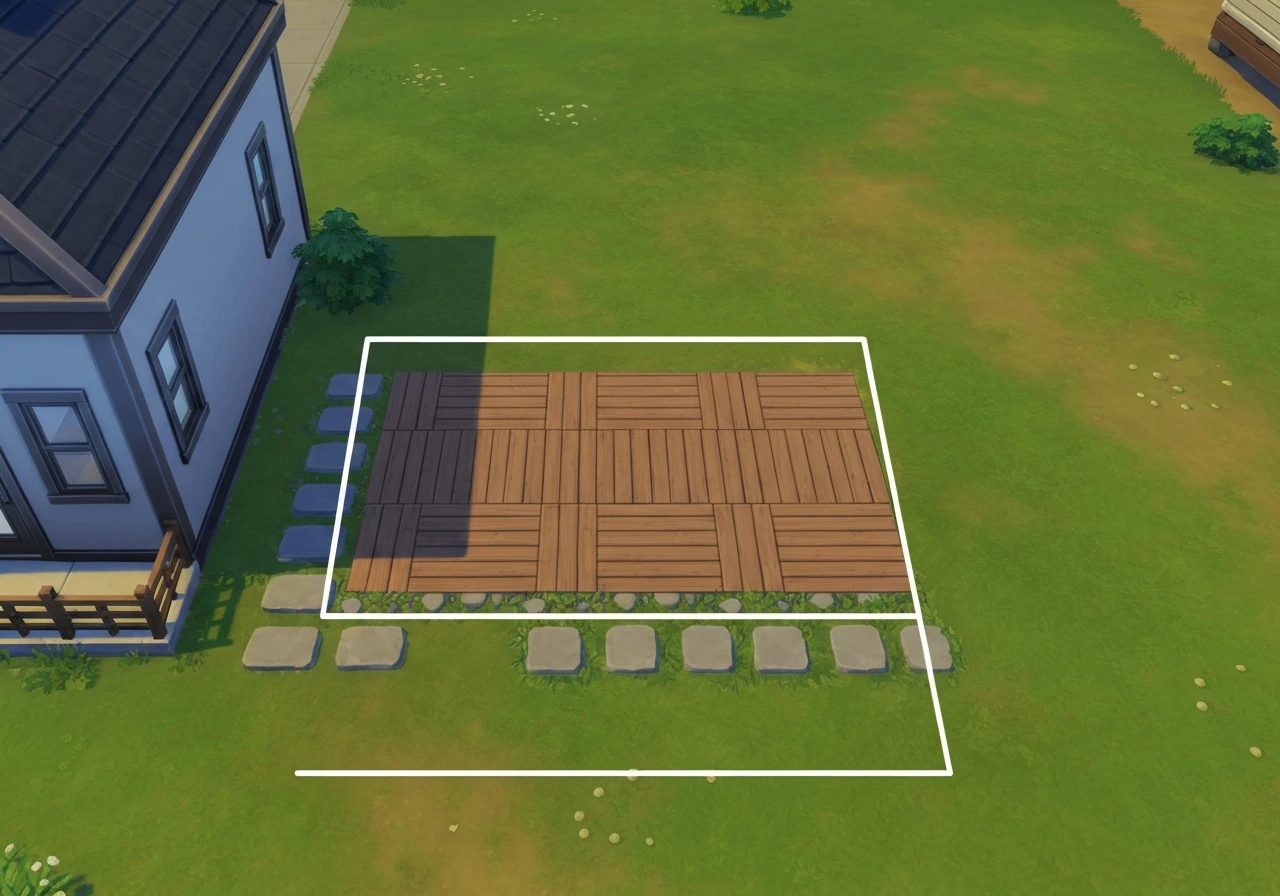
This trips up a lot of players. In FreePlay, a patio area is made up of several distinct objects layered on top of each other: the floor/tile underneath, the patio object or structure itself, railings, and any decor placed on top. Tapping randomly in the patio area often selects the floor tile instead of the patio structure, which is why the delete option either doesn't appear or sells the wrong thing.
To confirm you have the right object selected, tap near the center of the patio footprint and watch what gets highlighted. The game should outline the patio object specifically. If you see the floor or a tile getting highlighted instead, tap slightly differently or zoom in to get a cleaner selection. The patio object itself will show its own name or a patio-related label when selected correctly. Once that's highlighted and you can see the red Simoleon icon, you're in the right place.
How to actually delete the patio: the full step-by-step
- Open your Sim's home lot and tap the build/edit (hammer) icon to enter build mode.
- Navigate to the patio tab or category within build mode so the game is in the right context for patio objects.
- Tap the center of the patio structure you want to remove. Look for the patio object to highlight, not the underlying floor tile.
- Once the patio is selected, look for the red Simoleon icon (the sell/delete control). It should appear near the selected object.
- Tap the red Simoleon icon to sell and remove the patio. The game will give you a Simoleon refund for the object.
- Tap the green checkmark or 'Done' button to confirm and exit build mode.
- Check the area visually to make sure the patio is fully gone.
The build mode interaction controls in FreePlay follow a consistent pattern: green checkmark to confirm a placement, red Simoleons to sell/remove, and a grey X or rotate icon for other options. If you're used to deleting rooms (where you tap the room and then hit the red sell symbol), patio deletion works the same way, just scoped to the patio object specifically.
Why the game might not let you delete it
This is where things get frustrating. There are a handful of real reasons why FreePlay blocks patio deletion, and most of them have a fix once you know what's going on.
You haven't completed the Peaceful Patio quest
The Peaceful Patio quest unlocks at Level 15 and teaches you how to build patios, unlocking patio tiles and railings in the process. After you unlock the right patio parts, you can follow the same in-game steps to build your patio layout on your lot teach you how to build patios.
If you want to build a patio in Minecraft, you can follow similar step-by-step placement and layout planning before you start digging and laying blocks Peaceful Patio quest unlocks at Level 15. Before you complete this quest, the game may restrict what you can do with patio-related content, including deletion. If your delete option is greyed out or simply not appearing, check whether you've finished this quest. Completing it first is sometimes the only path forward.
For the related Sims 4 version of this build task, see how to make a patio in Sims 4 for the full placement and setup steps.
A Sim or object is using the patio
The most common deletion error message is something like 'A Sim is using an object.' The game registers the patio as occupied and blocks removal even if you can't visually see any Sim standing there. This can happen because a Sim is on their way to the patio, because an object on or near the patio is technically in use, or because a Sim is visiting another town or in a transfer state that still registers as occupying the space. The fix is to wait it out: let all actions and queued activities complete, send your Sims to sleep or cancel their task queues, and then try the deletion again.
The patio is acting as a structural element
In FreePlay, patios are treated more like structural lot components than simple decorations. If a patio is supporting an upper level or connecting to a room in a way the engine considers load-bearing, the game may block you from deleting it. If you are trying to build a patio on a second floor in Sims FreePlay, the key is choosing the right patio pieces and placing them in the correct build mode so they connect properly.
This is the same mechanic that prevents room deletion when another room or level depends on it. If you're finding you need to delete the patio before you can add or remove adjacent rooms, you may need to restructure the lot more broadly rather than just pulling out the patio.
You're in the wrong mode or tab
FreePlay's build mode has different edit screens and tabs, and not every deletion option appears in every tab. EA’s FreePlay General FAQ also notes that different edit screens have different delete or sell controls, so the red icon only works as expected in the correct edit context different edit screens have different deletion controls. If you try to delete a patio object while you're in the flooring category, for example, the game will select the floor tile instead. Make sure you're in the patio-specific category or the correct build tab before attempting selection and deletion.
An active quest or build event is running
Some quest states lock your ability to modify or delete specific structures until the quest advances or completes. If you're mid-quest and the patio is part of the objective, the game won't let you remove it until that build state resolves. The same applies to certain community events or build modes tied to limited-time content.
Workarounds when you still can't delete it
Sometimes the deletion just won't cooperate no matter what you try. Here are the practical workarounds that players actually use.
- Cover it up instead: If you can't delete the patio outright, place flooring or another structural element over it to visually hide it. It's not a perfect fix but it gets the lot looking the way you want while you wait for the blocking condition to resolve.
- Move it if you can: In some cases, you can enter build mode and move the patio to a different position on the lot rather than deleting it. Moving it out of the way can solve the layout problem even if full deletion is blocked.
- Wait and retry after quest completion: If a quest is blocking you, complete the relevant quest (especially the Peaceful Patio quest) and then return to build mode to try the deletion again.
- Cancel all Sim actions and retry: Go through each Sim on the lot, cancel every queued action, wait a few seconds, then go back to build mode and try again.
- Force close and reload: Exit the game completely and reopen it. FreePlay requires an internet connection, so make sure you're reconnected before reopening. Sometimes a fresh load clears UI or state glitches that were blocking the interaction.
- Check for objects placed on the patio: Remove or move any furniture, planters, or decor sitting on or near the patio before attempting deletion. The game may be registering one of those objects as in use.
Confirm the patio is actually gone
After you hit that red Simoleon and exit build mode, do a quick visual sweep of the area. Check the tiles where the patio sat and look for any leftover foundation pieces, edge tiles, or railing segments that might still be showing. Railings and patio tiles are separate objects in FreePlay and sometimes need to be deleted individually even after the main patio structure is gone.
If the area looks clear in build mode but still appears off when you exit, try closing and reopening the lot or doing a full app restart. Loading the lot fresh forces the game to re-render the space properly, and lingering visual artifacts from the patio usually clear up after that reload.
How to avoid this headache next time
The biggest lesson here is to treat patios like a semi-permanent structural decision rather than decor you can swap freely. If you're playing The Sims 4 instead of FreePlay, the steps to place or remove patio stairs are similar in concept, but the build menu and objects differ how to make patio stairs sims 4. Before placing any patio, make sure you've completed the Peaceful Patio quest so the full edit and delete controls are available to you.
To build a patio in Bloxburg, you can follow the same overall idea: get into build mode, select the right patio pieces, and place the floor, edges, and railings correctly how to make a patio in Bloxburg in build mode. If you're experimenting with layouts, do it before committing to anything adjacent to or below another level, since that's when deletion gets complicated.
It also helps to remove all decor and furniture from a patio area before trying to delete the structure. Clearing the surface first eliminates the 'Sim is using an object' error almost every time. And if you're planning a major renovation that involves tearing out a patio, do it when your Sims don't have active tasks and nothing is queued up on that lot.
Quick fixes for the most common problems
| Problem | Most likely cause | Quick fix |
|---|---|---|
| No delete option appears when you tap the patio | You're selecting the floor tile, not the patio object | Tap the center of the patio footprint; switch to the patio tab in build mode first |
| Game says 'A Sim is using an object' | A Sim or queued action is occupying the patio or an object on it | Cancel all Sim actions on the lot, wait, then retry; remove decor from the patio surface |
| Red Simoleon icon is greyed out or missing | Peaceful Patio quest not completed, or a quest/event is locking the structure | Complete the Peaceful Patio quest (unlocks at Level 15) then retry |
| Patio won't highlight or select at all | Wrong build mode tab active, or UI glitch | Switch to the correct patio category/tab; force close and reopen the app |
| Deletion appears to work but patio is still visible | Leftover railing or tile pieces, or a visual rendering glitch | Delete railings and tiles individually; reload the lot or restart the app |
| Game blocks deletion saying it supports another level | Patio is structurally connected to an upper floor or adjacent room | Remove the dependent room or upper level first, or restructure the lot before deleting the patio |
If you've worked through all of these and the patio still won't budge, EA's official help pages are worth checking for any game-version-specific bugs. If you want the full build and setup walkthrough in Sims 4, check out how to make a patio in Sims 4. For FreePlay deletion troubleshooting, EA's official Help site is the reference point for the recommended steps and fixes EA's official help pages.
FreePlay does get updated, and occasionally a build mode interaction gets broken in a patch and later fixed. A stable internet connection matters too since FreePlay syncs your lot data live, and a spotty connection mid-deletion can cause incomplete removals that look like bugs. If you still need to change your patio floor in The Sims FreePlay, make sure you select the floor tiles versus the patio structure so the right delete or replace option shows up patio deletion.
FAQ
Why does the red Simoleon sell icon show up for the floor tiles but not for the patio itself?
This usually means you are still selecting the wrong layer. Zoom in until the patio structure highlights, then tap around the center edge of the patio object (not the surrounding tiles). If you are in a flooring category, switch to the patio build tab so the game can target the correct object group.
Can I delete a patio if a Sim is walking over it or has it as a destination?
Yes, but you may need to stop the occupation first. Cancel queued actions, send the Sim(s) to sleep, or wait until the route completes, then enter build mode and delete. If the game still complains, try deleting from a different angle after the lot becomes idle for a minute.
What should I do if I get “A Sim is using an object” even though I do not see anyone on the patio?
The patio can register as occupied due to an active or transferred state, or because an object near it is in use (like a nearby chair or interactable). Clear the patio area of furniture and decorations, then try again after all current and queued actions finish.
I deleted the main patio structure, but railing pieces and patio tiles remain. Is that normal?
It can be. In FreePlay, railings and some patio edge segments are separate objects. After removing the main structure, re-enter build mode and delete any remaining railing segments or leftover edge/foundation pieces individually.
If the patio is connected to a room, why won’t the game let me remove it?
The game may treat it as structural support or a dependency for adjacent spaces. In that case, you often need to reorganize surrounding rooms rather than deleting only the patio. Remove or change the dependent room connections first, then delete the patio once nothing relies on it.
Does deleting the patio work the same way on second-floor or rooftop patios?
The deletion idea is similar, but placement and connectivity rules matter more. If the patio is part of a multi-level connection, deletion may be blocked until the upper or adjacent level dependencies are removed, or until you switch to the correct patio pieces that connect properly.
Why can’t I delete anything when I’m mid-quest, even though I’m in build mode?
Some quest states restrict modifications to structures tied to the objective until the quest advances. Check whether the Peaceful Patio quest or another related event build state is still active, then complete or progress it before attempting deletion again.
What if the patio deletion worked once, but later it started glitching or leaving artifacts?
Do a full restart or reload the lot. Exiting build mode and reloading the same lot forces the game to re-render the area. If visual leftovers persist, close the app fully, relaunch, and reload your lot to refresh the build layers.
Does network connection affect patio deletion?
It can. FreePlay syncs lot changes, so a spotty connection during sell or delete actions can lead to incomplete removals that look like bugs. If you suspect this, retry the deletion after restoring a stable connection and reloading the lot.
How do I delete the patio floor versus the patio structure (so I don’t remove the wrong thing)?
Treat the floor and the structure as separate targets. Tap and confirm what highlights, the patio structure should show a patio-related label, while floor selection highlights tiles. If you want to replace flooring, delete only the floor tiles, not the structure layer.
Next Article
How to Make a Patio in Minecraft: Step-by-Step Build
Step-by-step guide to build a Minecraft patio, from planning and materials to layout, edges, lighting, and beginner tips