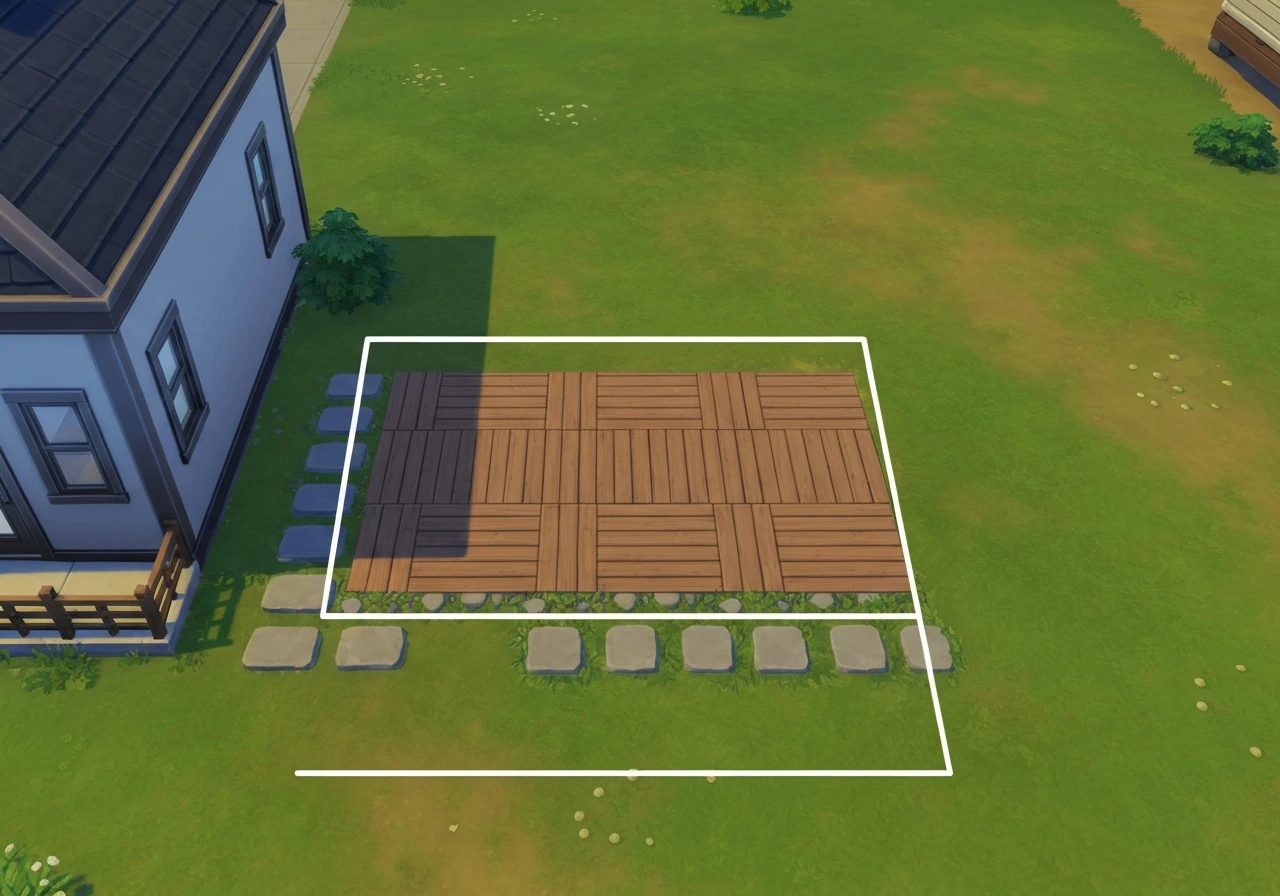
To build a patio on the second floor in Sims FreePlay, you need to complete the Multi-Story Renovations quest (unlocked at Level 17) to access upper floors, and ideally the Peaceful Patio quest to unlock patio paving and railings. Once those are done, you go into Build mode, expand or create an open second-floor area, then use the Patio Paving tab in the outdoor section to lay your floor tiles, add railings around the edges, and place exterior stairs on the balcony edge to connect back to ground level. If you want to change the patio floor later, you can swap your paving through the home store instead of rebuilding everything from scratch how to change patio floor in Sims FreePlay. That's the core loop, everything else below is just filling in the details so you don't hit the same walls most players do. If you want to delete your patio in Sims FreePlay, switch to Build mode, select the patio tiles and rails, and remove them like any other build element delete patio in Sims FreePlay.
How to Make a Second-Floor Patio in Sims FreePlay
What 'Second-Floor Patio' Actually Means in Sims FreePlay
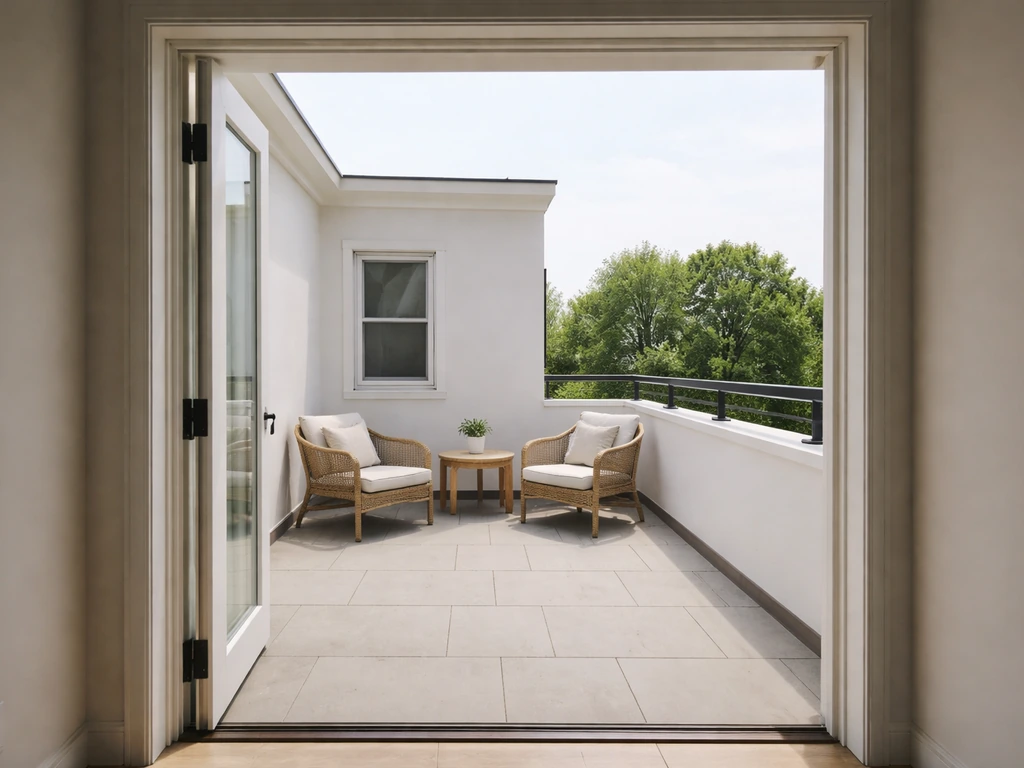
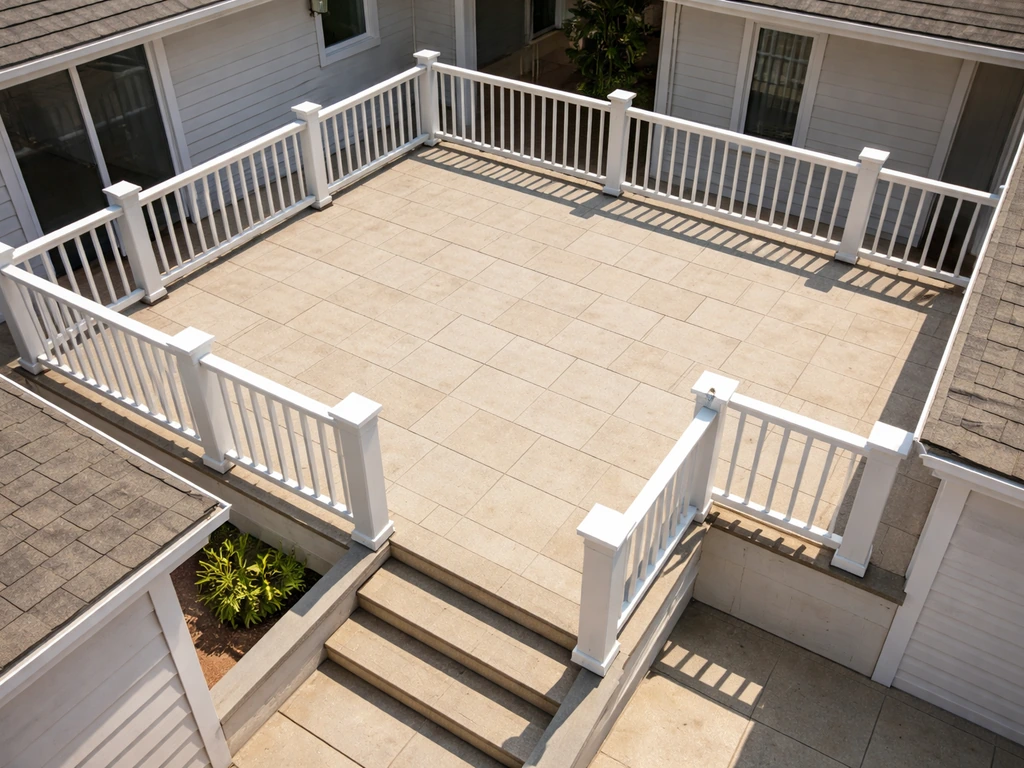
Sims FreePlay doesn't have a dedicated 'second-floor patio' button, so it's worth being clear about what you're actually building. What players call a second-floor patio is really one of two things: a rooftop terrace (an open outdoor area on top of a ground-floor room) or a balcony-style extension off the second floor of a multi-story home. Both are achievable in-game, and both use the same core tools, the Build mode outdoor patio section and the balcony/railing options. Think of it the same way you'd think about a real raised deck: you're creating an elevated flat outdoor space with a finished floor surface, a barrier at the edges, and a way to get up and down. The game just handles the structural logic for you.
The Lovey-Dovey Balcony quest (also unlocked at Level 17) specifically enables balcony construction on homes with two stories or more, which is the closest the game gets to a labeled 'second-floor outdoor space.' If your goal is a terrace off the second floor rather than a ground-level patio, this is the quest line you want to focus on alongside Multi-Story Renovations.
What You Need Before You Start
Trying to build a second-floor patio before completing the right quests is the number one reason players get stuck. The game locks off key tools until you've hit specific milestones, and no amount of tapping around in Build mode will surface them early. Here's what needs to be in place first:
- Reach Level 17: Both the Multi-Story Renovations quest and the Lovey-Dovey Balcony quest unlock at this player level. You cannot add a second floor or build a proper balcony before this.
- Complete Multi-Story Renovations: This is the prerequisite for adding any additional floors to a home. Without it, the option to build upward simply won't appear.
- Complete the Peaceful Patio quest: This unlocks patio paving tiles and railings in Build mode. You can find the quest by talking to the relevant NPC and following her quest line. Until it's done, the patio paving tab is grayed out or missing.
- Complete Lovey-Dovey Balcony (for true second-floor outdoor spaces): This enables the balcony construction tools for multi-story homes.
- Have the right Sim and home selected: Build mode changes apply to whichever home you have active. Make sure you're building on a home that already has or can support a second floor.
Once those boxes are checked, open Build mode by tapping the hammer icon on your home screen. This is where all renovation work happens, adding floors, laying outdoor surfaces, placing stairs, and adjusting the building footprint.
Building the Second-Floor Patio Step by Step
Step 1: Add or Confirm Your Second Floor
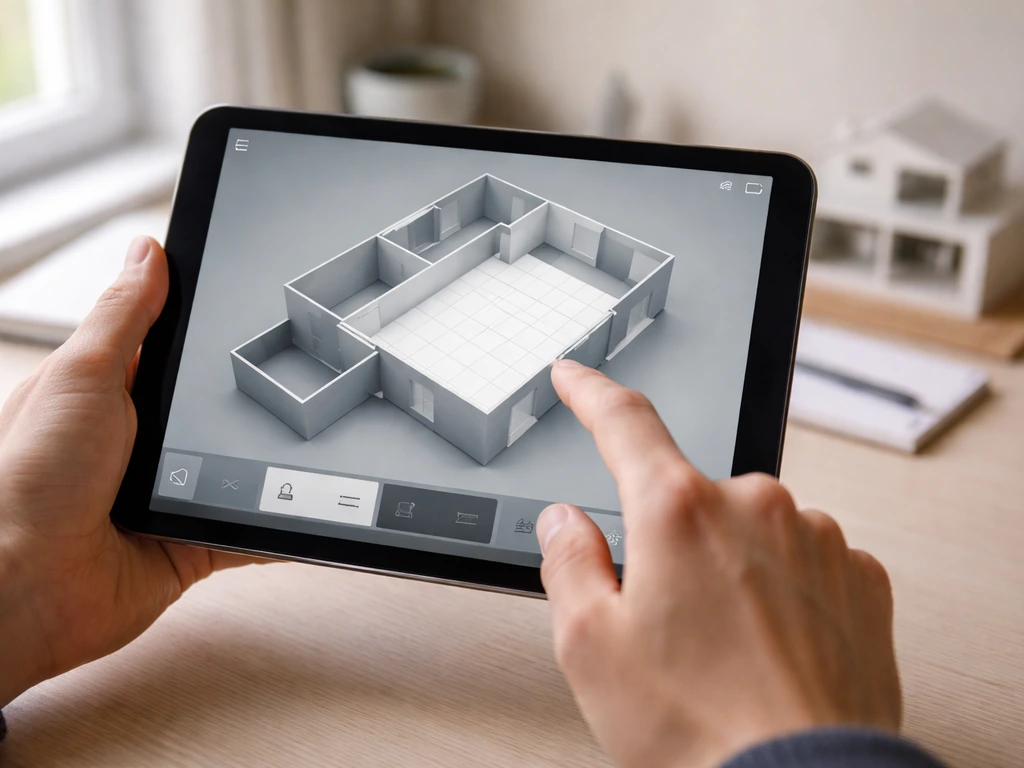
In Build mode, use the floor selector to switch to the second level of your home. If you haven't added a second floor yet, you'll need to do that first using the multi-story building tool (available after completing the blank" rel="noopener noreferrer">Multi-Story Renovations quest). If you want to learn how to make a patio in Minecraft, the same idea applies: plan your space first, then place the blocks and add a clear border. If you're looking for a step-by-step guide, focus on how to make a patio in Sims 4 after you confirm your second floor is ready. You can extend the second floor's footprint outward beyond the ground floor walls, that overhang is exactly what creates your outdoor terrace area. Think of it like framing a deck: you're deciding how far out the platform extends and in which direction.
Step 2: Create the Open Outdoor Area
To make part of your second floor feel like an outdoor patio rather than an indoor room, leave that section without a roof and without interior walls enclosing it. The game distinguishes between interior and exterior spaces based on how you define the walls and roof. An open second-floor extension with no ceiling over it reads visually as an outdoor terrace, the same principle as leaving a portion of a second-story addition open to the sky in a real home design.
Step 3: Lay the Patio Paving
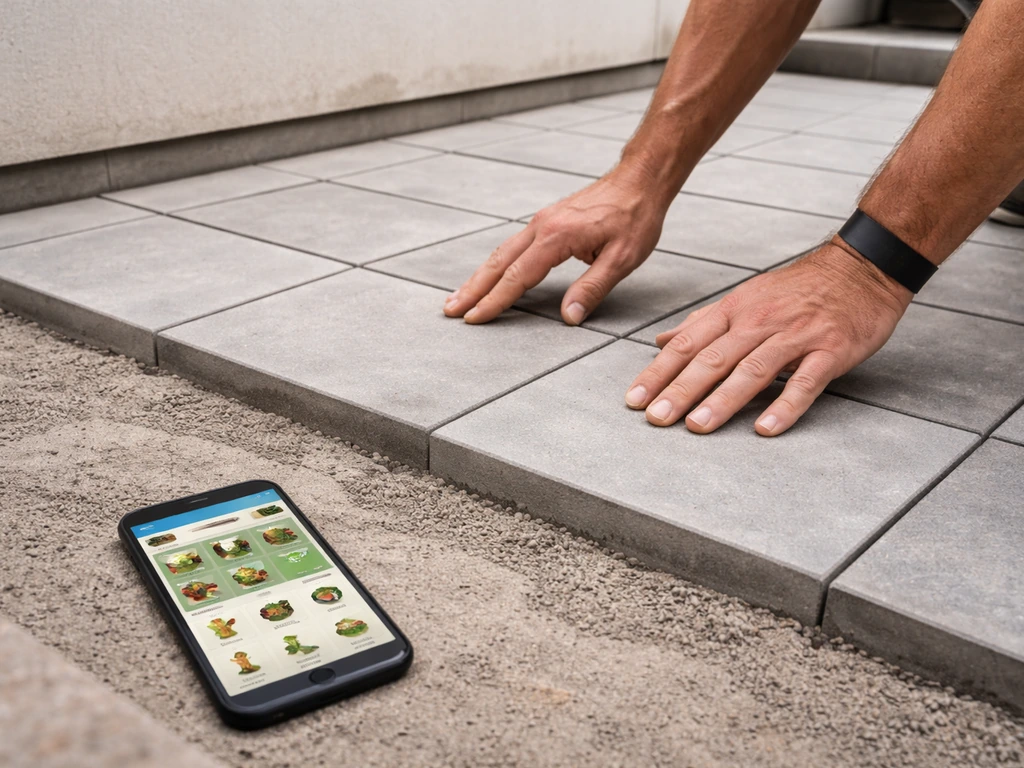
With your outdoor area defined, go to the outdoor section of Build mode and select the Patio Paving tab (it's the second tab in the outdoor section). Here you'll find all available tile motifs, the styles you've unlocked through quests or the in-game store. Tap a tile style to select it, then tap the squares on your second-floor outdoor area to place the paving. You can change the patio paving motif later through the home store's Paving Patios section if you want to switch up the look. Cover the full outdoor footprint with your chosen tiles so there are no bare squares.
Step 4: Add Railings Around the Edges
Railings are what visually sell this as a proper outdoor terrace rather than just a floating floor. After completing the Peaceful Patio quest, railing options become available in the build tools. Place railings along every exposed outer edge of your patio. This also serves a practical in-game function: it defines the boundary of the space clearly for object placement and Sim navigation.
Step 5: Place Exterior Stairs
Stairs are the trickiest part of a second-floor patio build. If you are playing The Sims 4 instead of Sims FreePlay, the basics are similar, but you will need to plan stair placement around The Sims 4 build and routing rules how to make patio stairs sims 4. For exterior balcony stairs (stairs that go from ground level up to your outdoor patio), you need to place them at the edge of the balcony so they overhang by approximately one square width. The game requires this overhang, if you try to place stairs flush against the balcony without that extension, placement will often fail. Position the staircase so the upper landing sits at your patio edge, then confirm placement. Interior stairs (inside the home going up to the second floor) follow different rules and can be placed anywhere there's clear space on both the lower and upper floor.
When Items Won't Unlock or Won't Place
Missing patio items and placement failures are the two biggest frustrations with second-floor builds in Sims FreePlay. Here's how to diagnose what's actually going wrong:
| Problem | Likely Cause | Fix |
|---|---|---|
| Patio paving tab is missing or grayed out | Peaceful Patio quest not completed | Complete the Peaceful Patio quest by talking to the NPC and finishing her task chain |
| Can't add a second floor at all | Multi-Story Renovations quest not done, or below Level 17 | Level up to 17 and complete the Multi-Story Renovations quest |
| Balcony tools not available | Lovey-Dovey Balcony quest not completed | Complete the Lovey-Dovey Balcony quest (requires Level 17 and a 2-story home) |
| Stairs won't place on the balcony edge | Not enough overhang — stairs need ~1 square extension beyond the balcony edge | Extend the balcony floor out by one extra square, then place stairs at that edge |
| Object outline flashes when placing stairs | An object already exists on the upper floor in that spot | Move the blocking object, then place the staircase in the cleared space |
| Floor tiles won't place in part of the grid | Known placement bug in far-right grid sections after balcony quests | Try rotating the view or placing from a different angle; restart Build mode if needed |
The flashing outline when placing stairs is a specific game mechanic: it's the game telling you something is occupying that upper-floor square. It's not a bug, just move whatever furniture or object is in the way and the stairs will drop in fine. The far-right grid placement bug, on the other hand, is a known glitch that can appear after completing the balconies and patios quest line. Restarting the app and re-entering Build mode often clears it.
Finishing Touches That Make It Actually Look Like a Patio
Getting the patio built is one thing, making it look intentional and finished is where the fun is. Once the floor, railings, and stairs are in place, here's how to style the space so it reads as a proper outdoor living area rather than just a tiled platform:
- Outdoor furniture: Place patio chairs, tables, or loungers on the paved area. The game has outdoor-specific furniture that looks appropriate in an open-air setting.
- Plants and planters: Adding greenery along the railing edges reinforces the outdoor feel and fills corners that would otherwise look bare.
- Consistent paving style: Use one paving motif across the whole patio rather than mixing styles — just like in a real patio design, a unified floor surface looks intentional and clean.
- Match railings to the home style: If your home has a particular architectural style, try to pick railings that complement it rather than contrast.
- Consider the view: Rotate your build view to see how the patio looks from ground level. A second-floor terrace should look good from below as well as from above.
If you want to change the paving style after the fact, you can do that through the home store's Paving Patios section without tearing everything down. That's a handy shortcut if you unlock a new tile motif later and want to update the look.
Common Mistakes and How to Fix Them Fast
Alignment Issues
The most common visual mistake is a patio that doesn't align cleanly with the home's footprint. Squares that stick out unevenly or a railing that only partially wraps the edge look unfinished. Before committing to a layout, zoom out and check the full outline of your second-floor extension. Rectangular extensions almost always look cleaner than irregular shapes, especially on a second floor where the geometry is more visible.
Clipping and Object Overlap
Furniture placed too close to railings can clip through them, which looks odd and sometimes prevents Sims from using the items properly. Leave at least one square of clearance between large outdoor furniture and the railing edge. Stairs also need clear space on both the upper and lower levels, if your patio furniture is crowding the stair landing, Sims will struggle to navigate up and down.
No Way to Get Up There
It sounds obvious, but a surprising number of players finish their second-floor patio and then realize their Sim can't actually access it. Make sure there's either an interior staircase connecting the home's interior floors, or an exterior staircase leading up from ground level, with a clear path on both ends. If you built the patio as a purely external extension with no interior second floor, the exterior stair with the one-square overhang method is your only access route, make sure that staircase is in place before you consider the build complete.
Skipping the Quest Prerequisites
Trying to brute-force a second-floor patio without completing the Peaceful Patio and Multi-Story Renovations quests will leave you stuck, frustrated, and with a half-built home that looks worse than when you started. The PDF guide exists, but it is not a reliable authority for accurate Sims FreePlay build or prerequisite details blank" rel="noopener noreferrer">The PDF guide exists but is not reliable for build or prerequisite details. The quest gates in Sims FreePlay exist precisely because build features unlock progressively. If something isn't available in your Build mode menus, the answer is almost always a quest you haven't finished yet. Check your quest log before assuming something is broken. For more on building patios from scratch in Sims FreePlay, the general patio build guide covers the ground-floor version of this process, which is a good foundation before moving to the second level. If you meant Bloxburg instead of Sims FreePlay, follow this guide on how to make a patio in Bloxburg for the right layout and build steps.
FAQ
Can I make a second-floor patio if I have not unlocked Peaceful Patio yet?
You can lay out the upper-floor outdoor space visually, but the patio paving tile set and railing tools are typically tied to the Peaceful Patio progression. If those options are missing in Build mode, check your quest log first, then switch to a fully open terrace layout (no roof over the area) until the patio items unlock.
What should I do if the game shows a patio floor but my Sim still cannot step onto it?
Confirm there is a usable access path at both ends of your stair. Even if the stairs place successfully, tight furniture spacing near the landing (especially within one tile of the stair entry) can block routing. Try temporarily removing nearby décor, then test Sim navigation again.
Is there a difference between an outdoor terrace and a balcony extension for placement rules?
Yes. A terrace is an open area on top of an existing ground-floor room, while a balcony extension is attached to the side of a multi-story footprint. Terrace builds generally need roof and wall configuration to read as outdoors, while balcony builds rely more on railing coverage along the exposed edge.
How do I prevent gaps between paving tiles and the patio boundary?
Before placing paving, zoom out and ensure your outdoor footprint is a clean rectangle or consistent grid shape. Then cover every square inside the boundary, leaving no “blank” grid cells. If you see uneven edges, remove only the paving tiles first, then repaint the full footprint in one pass.
Do I need railings on all sides, or just one side?
For second-floor outdoor space, place railings along every exposed outer edge, not just the front. In-game, incomplete edge railings can look unfinished and can also confuse placement and navigation when objects are placed near the unrailed boundary.
What is the correct way to handle stairs that keep flashing red or not placing?
A flashing outline usually means the upper landing squares are occupied, or the path is obstructed. Remove any object or furniture sitting in the target landing area, then retry. If the issue persists right after placing balconies, fully restart the app and re-enter Build mode to clear a known placement glitch.
My stairs place, but the upper landing does not line up with the patio edge. How can I fix it?
Reposition the stair at the balcony edge so the upper landing sits exactly on the patio boundary. If it is too far inward, the game may still place it, but routing and the visible connection will look wrong. Use small adjustments, then confirm the stair overhang requirement is satisfied for exterior stairs.
Can I change the patio layout later without rebuilding the whole second floor?
Yes for visual updates like paving style, you can switch the patio paving motif through the home store. For structural changes, like moving railings, stair position, or changing the outdoor footprint shape, you will need to rebuild or reposition those elements in Build mode since the game treats them as separate build components.
Why are patio build tools grayed out or missing even after I reached the right level?
Missing build options almost always means an associated quest is incomplete, not a level issue. Check your quest log for Multi-Story Renovations and the patio-related quest line, then return to Build mode. If an option appears after completing a quest, you typically do not need to restart your save.
What is the best way to avoid clipping when placing patio furniture near railings?
Leave a clear buffer between large outdoor items and the railing edge, at least one square when possible. If clipping happens, furniture may also become non-interactive or Sims may not use it. Swap to smaller pieces near the rails and reserve the patio center for larger seating.
What if I want a second-floor patio but do not want it to look like an indoor room?
Make the space read as outdoor by leaving it without a roof over the extension and without interior wall enclosures around the area. The game uses that wall and roof definition to determine whether an area behaves and looks like terrace space.
How to Delete a Patio in Sims FreePlay Step by Step
Step-by-step guide to delete a patio in Sims FreePlay, fix when it wont select or remove, and verify it’s gone.